
Hyper-memorization makes sure that a learner can't complete a course without correctly answering the questions you consider essential. You set these questions as key questions: if the learner gets one wrong, it is asked again, through different games, until they find the right answer.
Prerequisite: Adaptive Learning must be enabled on the course. Without it, the « Key question: hyper memorization » option doesn't appear in the question. See Understand Adaptive Learning.
Table of contents
- How a key question works
- Enable hyper-memorization
- Recommendations
- What the learner sees
- Frequently asked questions
How a key question works
A key question is always asked at least once during the course. Then:
- if the learner answers correctly, the question is validated;
- if they get it wrong, it is asked again during reinforcement, after the last part that contains questions, using a different game among the ones you checked. It comes back as many times as needed, until the right answer.
The learner therefore can't complete the course without correctly answering every key question. This is the difference with a regular question: during reinforcement, a failed regular question comes back a few times, but the learner can still complete the course without getting it right.
To see this flow step by step, see Knowledge questions and games: what the learner experiences.
Enable hyper-memorization
- Check that Adaptive Learning is enabled: gear icon of the course, then « Enable adaptive learning algorithms ».
- Open the knowledge question.
- At the bottom of the question panel, expand the advanced options.
- Turn on « Key question: hyper memorization »
 .
. - Save the question.

Click on the image to open it in a new tab
Once the option is on, the hyper-memorization icon appears on the question.
Recommendations
- Keep to about 5 key questions per course, to avoid cognitive overload.
- Check several games on each key question: when the learner gets it wrong, the question comes back through another game, which makes the repetition less monotonous.
- If you want a key question to be asked right after its content, also turn on « Ask this question immediately after the associated learning content » in the same advanced options.
What the learner sees
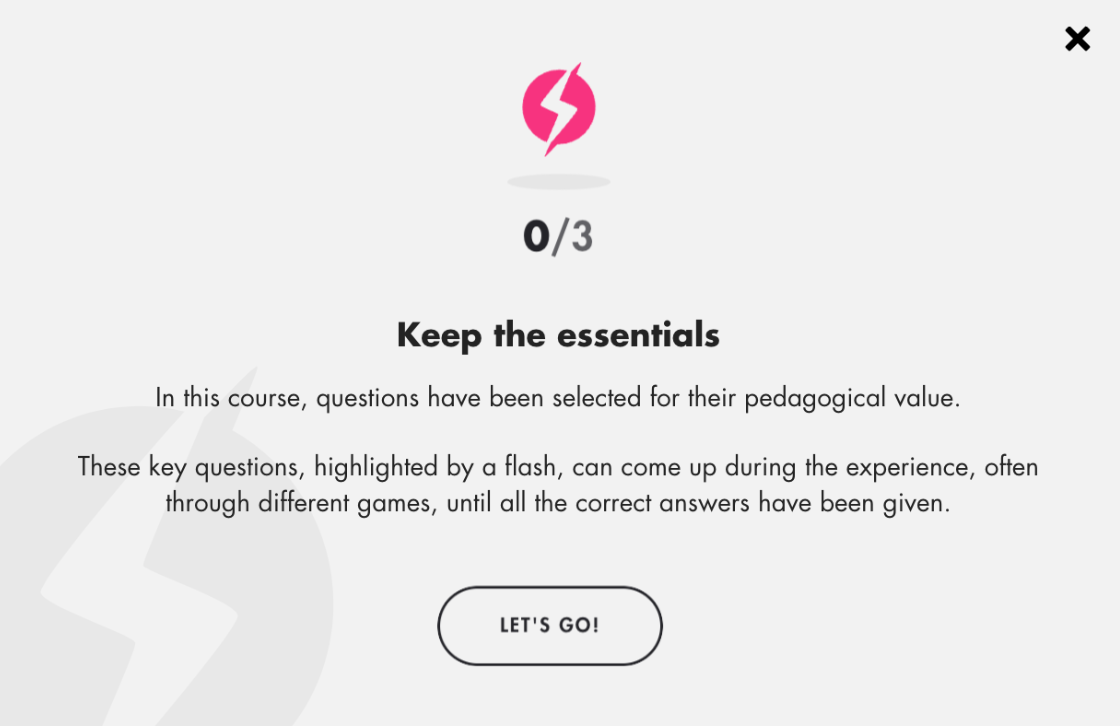
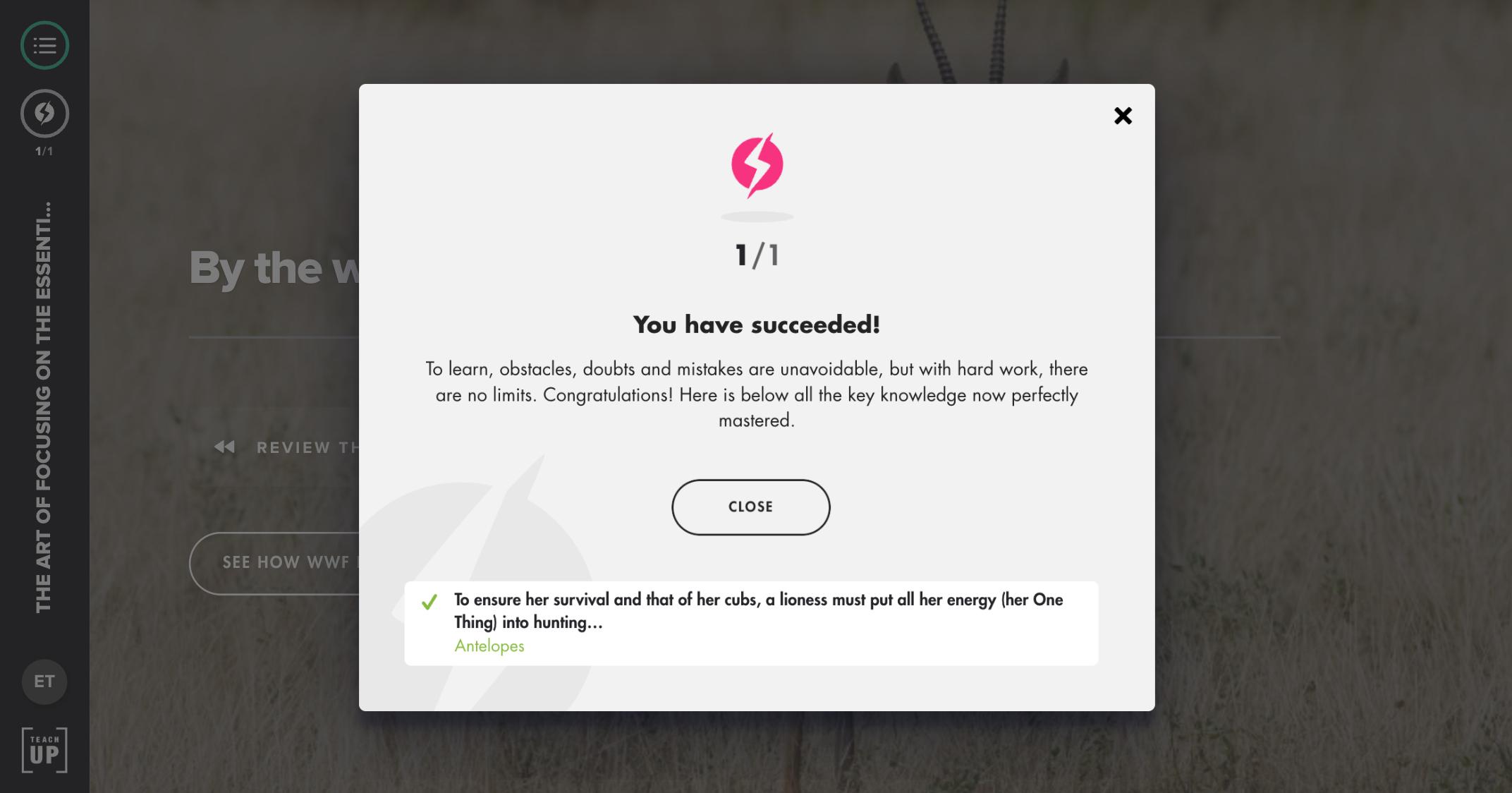
- At the start of the course, a « Keep the essentials » window tells them that some questions, marked with a lightning bolt, will come back until they answer them correctly. A counter (for example 0/1) in the side bar shows how many key questions they have already passed.
- During reinforcement, each failed key question comes back, often through another game, until the right answer. The course ends once all key questions are passed.

- At the end of the course, a memo card gathers the key questions the learner had to work on again.
Frequently asked questions
What happens if a learner fails a key question several times?
It is asked again during reinforcement, through different games, until they answer correctly. They can't complete the course before that.
Can I use hyper-memorization without Adaptive Learning?
No. Without Adaptive Learning, the option doesn't appear in the question. If you turn off Adaptive Learning on a course that already has key questions, they no longer apply: they are asked only once, like regular questions.
Is a key question always asked right after its content?
No. It is asked at least once during the course, but Adaptive Learning may keep it for reinforcement. To ask it right after its content, also turn on « Ask this question immediately after the associated learning content ».
I added a key question while learners had already started the course: does it count for them?
Not for their current run. The learner will have to replay the course for it to apply.